Instagram Story Downloader
Paste a link to save Instagram Stories.
Fast & High-quality. Ad-free.
How to download Instagram Stories
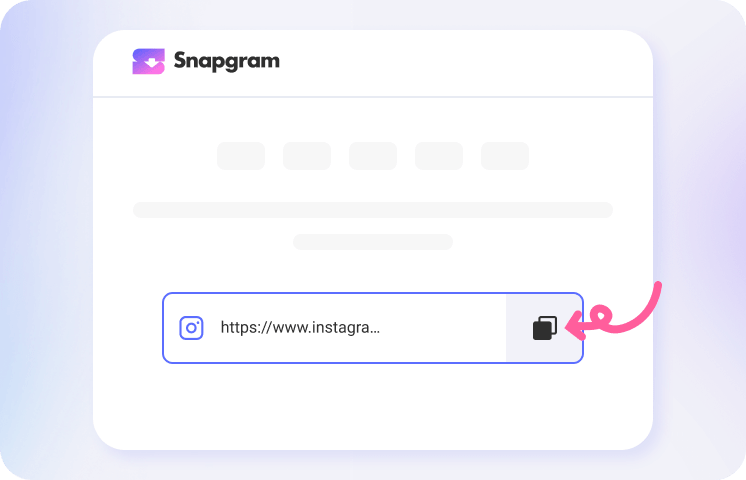
1. Copy the link
Open the Instagram app and find the Story you want. Tap the "Share" icon to copy the link.
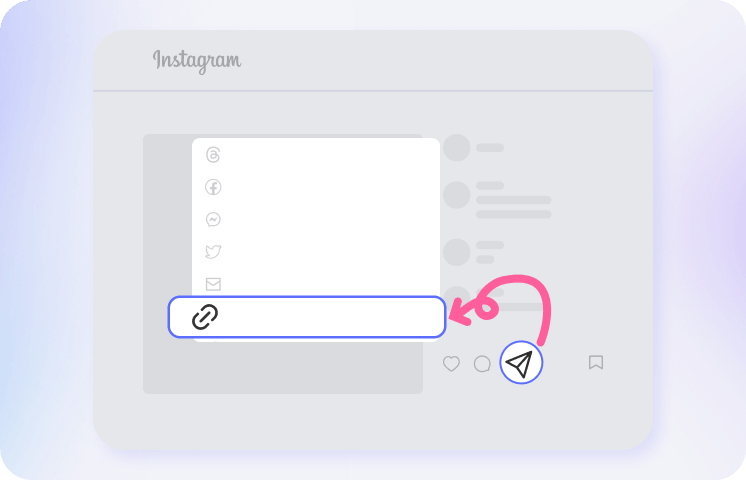
2. Paste into the search box
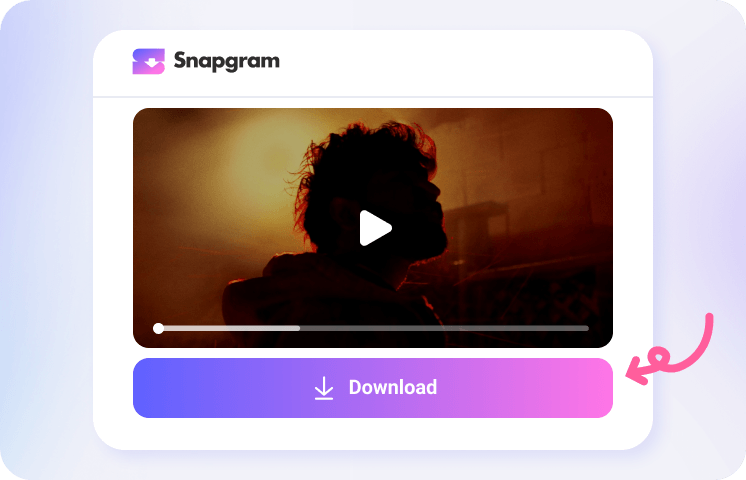
3. View and save
Add Snapgram to your Home Screen
Get one-click access to our Instagram downloader. It works just like an app and makes your next download even faster.

What makes Snapgram the ultimate Instagram Story Downloader?

Ad-free online tool

HD Quality MP4 and JPG

View all Stories at once

Download Stories with music

No added watermarks

Complete privacy with no login
Ad-free online tool
HD Quality MP4 and JPG
View all Stories at once
Download Stories with music
No added watermarks
Complete privacy with no login
Use Snapgram Instagram story downloader as an anonymous viewer
FAQ
Can I download private Instagram Stories?
No. To respect user privacy, Snapgram cannot download Stories from private accounts. The tool only works with public profiles.
How can I download Instagram Highlights?
What if the tool cannot find the Story I am looking for?
Where can I find downloaded files on my phone?
Are there any limits on how many Stories I can download?
Can I download Instagram Stories in 4K resolution?
Can I download an Instagram Story with just a username?
Do you have an Android app or APK for saving Stories?